
I can't sign in to the extension
What to do with each message on the extension sign-in screen.
When sign-in fails, the extension shows a message with the reason. Find the message you saw below. Your extension account uses the same e-mail you used to buy the subscription.
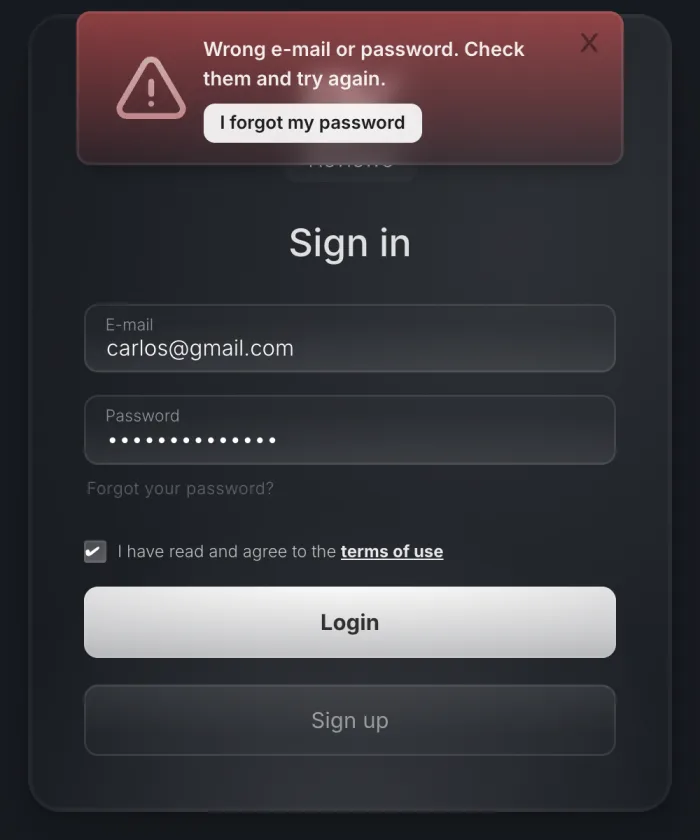
Wrong e-mail or password. Check them and try again.
What to do: Check that you typed the e-mail you used to buy, with no space at the end. If you forgot your password, click I forgot my password: we send a link to your e-mail to create a new one.
If this e-mail has an account, we sent the link to change the password. Check your spam folder too.
What to do: Open the e-mail and click the link to change your password. If it doesn't arrive within 10 minutes, check your spam folder and make sure you used the e-mail from your purchase.
We couldn't send the e-mail right now. Try again in a few minutes.
What to do: The e-mail wasn't sent because of a problem on our side. Wait a few minutes and click I forgot my password again.
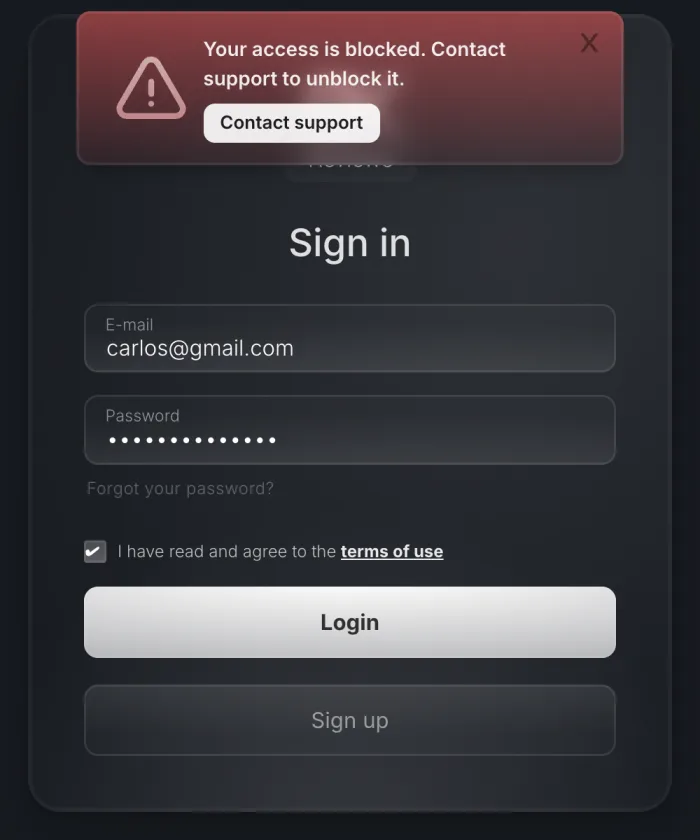
Your access is blocked. Contact support to unblock it.
What to do: Click Contact support and send us your account e-mail. Our support team checks the reason and unlocks your access.
Too many attempts in a row. Wait a few minutes and try again.
What to do: Wait about 5 minutes before trying again. If you don't remember your password, use I forgot my password instead of trying many times.
No internet connection. Check your network and try again.
What to do: Open another website to check that your internet is working. If you use a VPN, an ad blocker or a company network, turn it off and try again.
Our system is unstable right now. Try again in a few minutes.
What to do: The problem is on our side and usually goes away in a few minutes. If it lasts more than an hour, click Contact support.
If the message keeps showing up
If the message keeps showing up, click Contact support in the message window or the WhatsApp icon at the top of the extension and send us a screenshot.
See also
Didn't find the answer?
Talk to our support team on WhatsApp or by e-mail at suporte@bkreviews.com.br
 Chat on WhatsApp