
Incomplete reviews, photos that don't load and the per-product limit
Messages about the reviews themselves when you send them.
Before sending, the extension checks each review. These messages tell you what to change in the list so the send works.
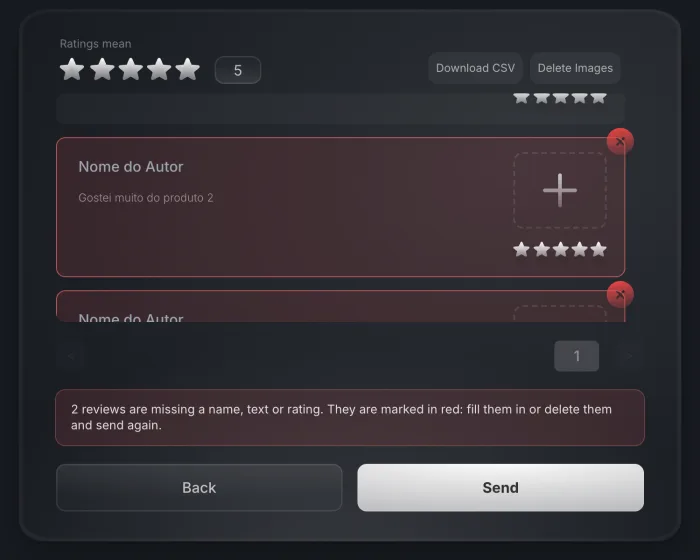
3 reviews are missing a name, text or rating. They are marked in red: fill them in or delete them and send again.
What to do: Every review needs a name, a text and a rating. The ones missing something get a red border: click them to fill in or delete them with the X. Then click Send again.
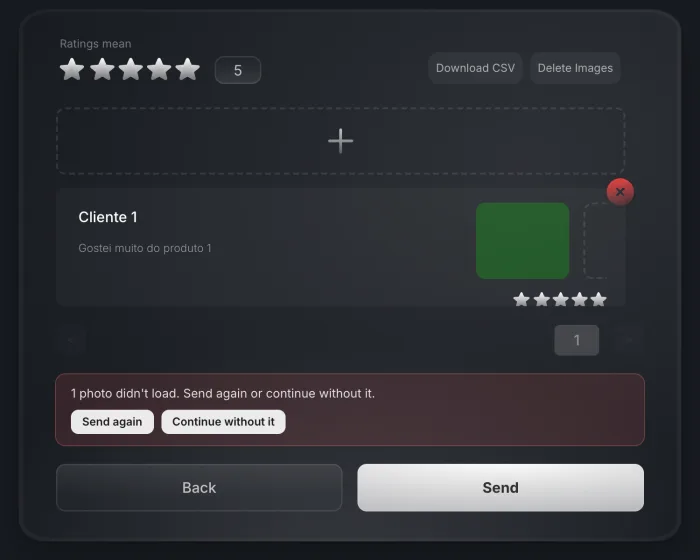
3 photos didn't load. Send again or continue without them.
What to do: Some photos from the source website didn't open. Send again to retry, or go ahead without those photos: the reviews are sent with the other photos.
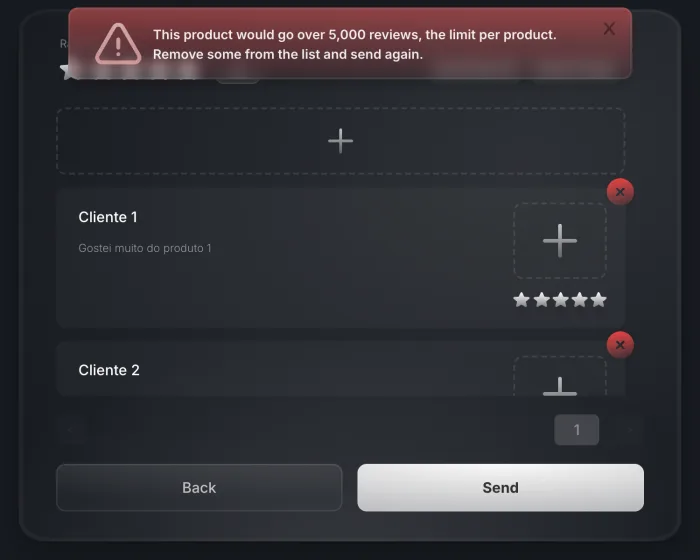
This product would go over 5,000 reviews, the limit per product. Remove some from the list and send again.
What to do: Each product holds up to 5,000 reviews in BK Reviews, counting the ones already in your store. Delete some from the list to fit the limit and send again.
Sending took too long and stopped. Try again. If there are many photos, send in smaller batches.
What to do: Sends with many photos can run out of time. Delete part of the list, send, then import again and send the rest. Or check the option to import only one image per review.
The product «T-shirt» has a photo that doesn't open. Remove that photo and try again.
The product «T-shirt» has a review without an author, text or rating. Fix or delete that review and try again.
It can also read:
What to do: When sending a whole category, the message tells you which product has the problem. Fix or delete that photo or review and send again.
If the message keeps showing up
If the message keeps showing up, click Contact support in the message window or the WhatsApp icon at the top of the extension and send us a screenshot.
See also
Didn't find the answer?
Talk to our support team on WhatsApp or by e-mail at suporte@bkreviews.com.br
 Chat on WhatsApp