
Subscription not found or session expired
Messages about your subscription, your session and account activation in the extension.
The extension only works with an active subscription on the e-mail you signed in with. These messages show up when the extension cannot find that subscription or when your session ended.
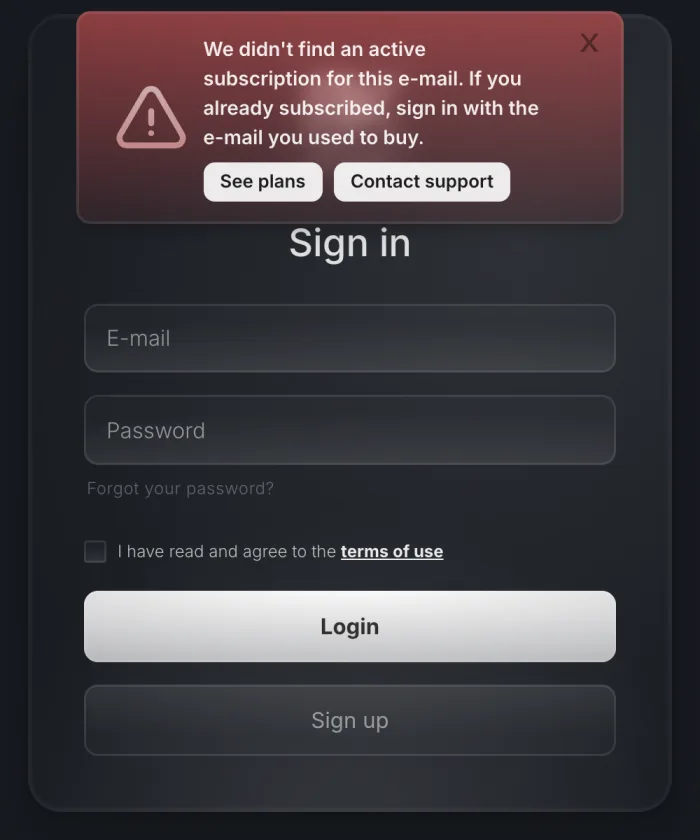
We didn't find an active subscription for this e-mail. If you already subscribed, sign in with the e-mail you used to buy.
What to do: If you bought with a different e-mail, sign out and sign in with the e-mail from your purchase. If your subscription ended or was canceled, click See plans to subscribe again. If you paid and still see this message, click Contact support and send us your receipt.
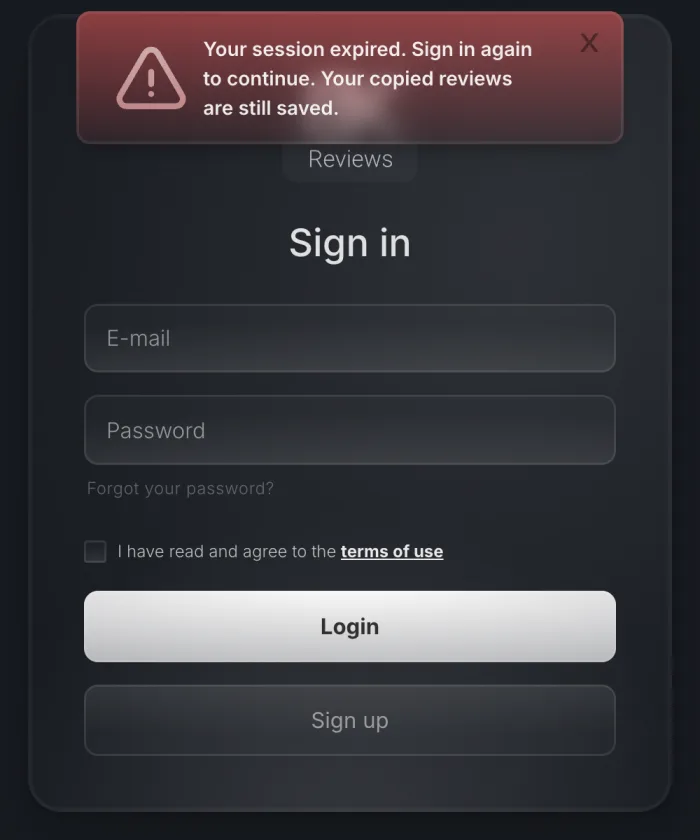
Your session expired. Sign in again to continue. Your copied reviews are still saved.
Your session expired. Sign in again and send once more. Your copied reviews are still saved.
It can also read:
What to do: For security, your session ends after a while. Sign in again with your e-mail and password. The reviews you copied are still there, so just send them again.
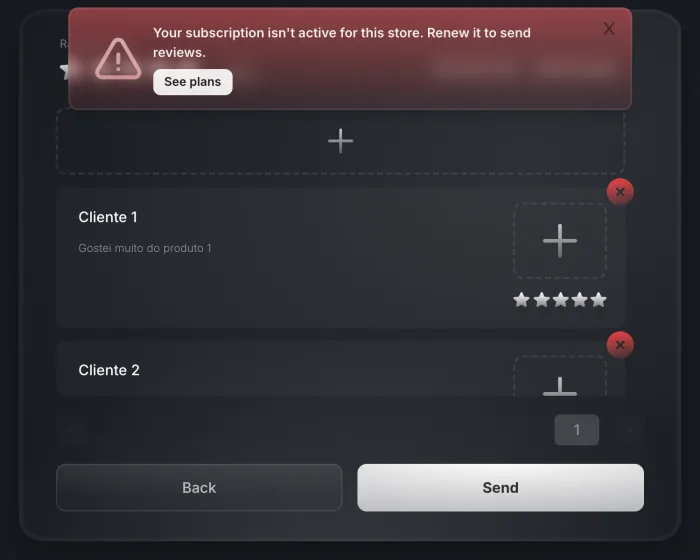
Your subscription isn't active for this store. Renew it to send reviews.
What to do: This shows up when you send, if the subscription linked to that store is not active. Click See plans to renew and send again. If your subscription is up to date, click Contact support.
Sign in to the BK Reviews extension to activate. Click its icon in your browser toolbar.
What to do: This shows up when you open the activation link without being signed in to the extension. Click the BK Reviews icon in the browser bar, sign in with your e-mail and password and open the activation link again.
We couldn't activate your account right now. Try again in a minute.
What to do: Wait a minute and open the activation link again. If it keeps happening, click Contact support.
If the message keeps showing up
If the message keeps showing up, click Contact support in the message window or the WhatsApp icon at the top of the extension and send us a screenshot.
See also
Didn't find the answer?
Talk to our support team on WhatsApp or by e-mail at suporte@bkreviews.com.br
 Chat on WhatsApp